

Writing and testing by Emily Harris, Andreas Rivera, Nathan Sherman, and Craig Stirland
If you spend a lot of time camping, traveling, or hitting the road away from home, bringing your own internet connection can change the trip. Instead of leaning on your phone’s hotspot and hoping for bars, traveler-friendly internet services let you take the connection with you. Two of the biggest options right now are Starlink Roam and T-Mobile AWAY.
Both services get you online in completely different ways. T-Mobile AWAY runs on T-Mobile’s cellular network, so it goes as far as T-Mobile’s coverage does. Starlink Roam connects to satellites overhead, so it needs a clear view of the sky to get you online.
But which internet provider will come through when you’re out in the wilderness and want to get online? To test out T-Mobile AWAY and Starlink Roam, CableTV.com and our friends at SatelliteInternet.com took both services into the Utah mountains, set up camp, and ran them side by side. Keep reading to find out which internet service should be part of your on-the-road setup.
Setup: T-Mobile AWAY got us online quickly versus Starlink
We wanted results from a real campsite, not a spec sheet. So after heading up into the mountains of central Utah, we made camp and started setting up each internet provider’s hardware.
T-Mobile AWAY had a remarkably quick setup process. T-Mobile’s Mini gateway is a single small unit, so there isn’t much to work out: plug in the power cord, connect the gateway, wait through a five-minute software update, and we were online.
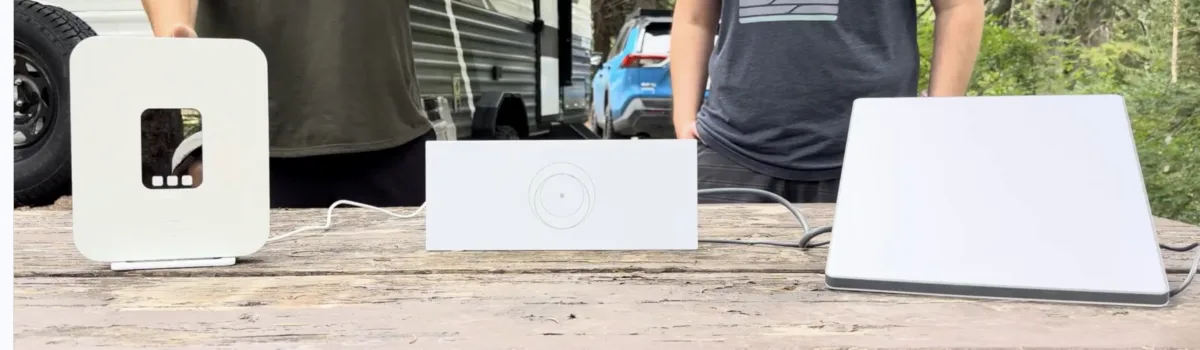
Starlink Roam took more work to get fully set up. We had to find a spot at our campsite with a clear view of the sky to position the dish. Starlink’s standard hardware kit also adds a separate router, a power brick, and cabling to keep track of. After about a 10-minute software update, we were connected. From start to finish, Starlink Roam took us roughly 30 minutes to get online, as it took us a second to find a clear view and get the dish where it needed to be.
That said, neither provider’s setup process was difficult. But the gap is obvious, and we preferred T-Mobile AWAY thanks to the Mini gateway’s small footprint and plug-and-play install. When you’re racing to get camp together before the sun goes down, fewer cords and a smaller box matter — T-Mobile is the clear choice if you want a little more time to relax after getting the campsite ready.
Streaming: both streamed live TV without buffering
With our campsite set up, we did what we’d be doing at home anyway: put on some TV and relax.
We used a MacBook Pro to stream live golf through YouTube TV for about five minutes on each service. It wasn’t a marathon session, but we wanted to see if it’d be long enough for either connection to stumble on carrying live video.
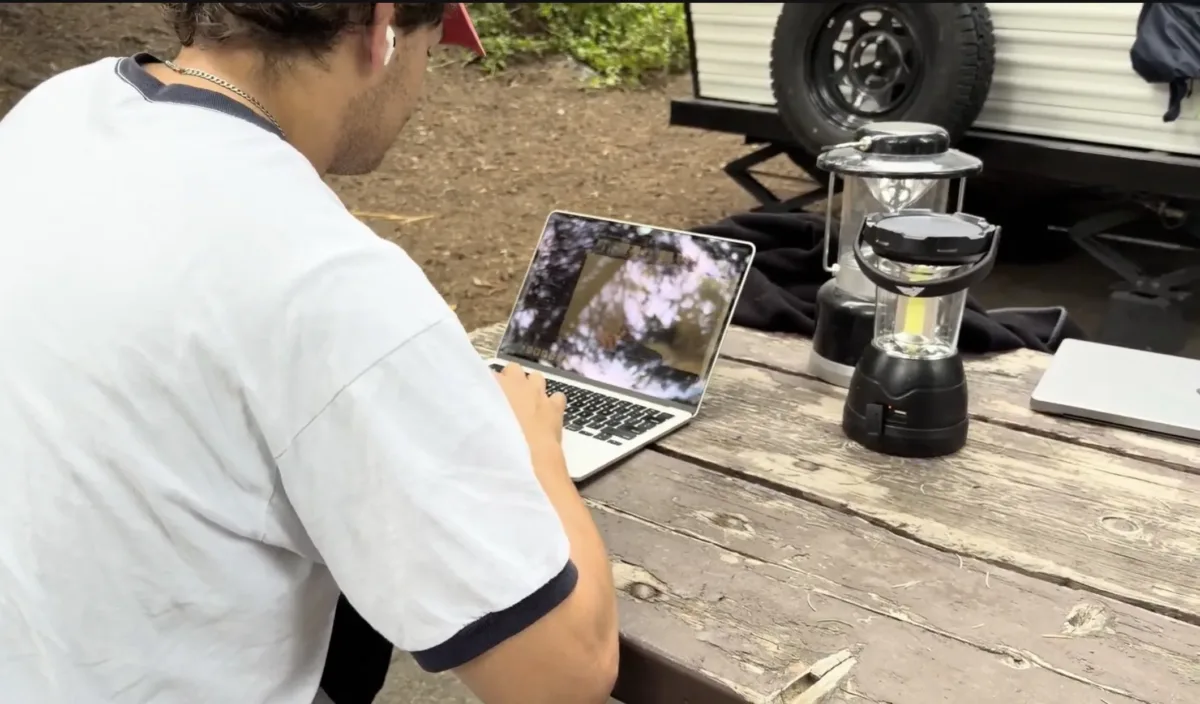
Thankfully, neither service did. Both feeds looked clear with no buffering and no visible quality drops. There was no meaningful difference between Starlink Roam and T-Mobile AWAY here at all.
That matters more than it might sound. Streaming live TV is what most people are actually going to ask a campsite connection to do: catching a game from a folding chair, putting something on in the background around the fire, or getting through one episode before bed. Both services handled live TV streaming without breaking a sweat.
Performance testing: Starlink Roam pulls ahead
For an internet connection, watching some golf on TV is a light ask. Pushing an internet connection to the limits is a different thing entirely, and it’s where the two services stopped looking alike.
Internet speed test: Starlink vs. T-Mobile Away
First, we ran the Reviews.org speed test on each connection to measure their internet performance.
| Test | Starlink Roam | T-Mobile AWAY |
|---|---|---|
| Download speed | 315.5 Mbps | 309.5 Mbps |
| Latency | 17 ms | 107 ms |
Download speeds landed close enough that we wouldn’t pick between these two on that number alone. Latency was the separator, and Starlink Roam took the crown for the category.
Latency measures an internet connection’s responsiveness, not simply how much data it can pull down at once. It’s the number that decides whether a video call feels natural or slightly underwater, and it’s the one gamers and video callers care about most.
Our verdict: Starlink Roam wins on latency. Download speeds were near enough to call even, but the lower latency gave Roam the edge.
Internet stress test
Next, we found the ceiling for T-Mobile and Starlink. We connected seven devices — a mix of iPhones and laptops — to each service, used them simultaneously, and watched what happened.
T-Mobile AWAY found its limit fast. Browsing lag spread across the phones and laptops as we approached seven connections, and the gateway eventually dropped the connection entirely. After that, we pulled T-Mobile AWAY back to a single laptop.
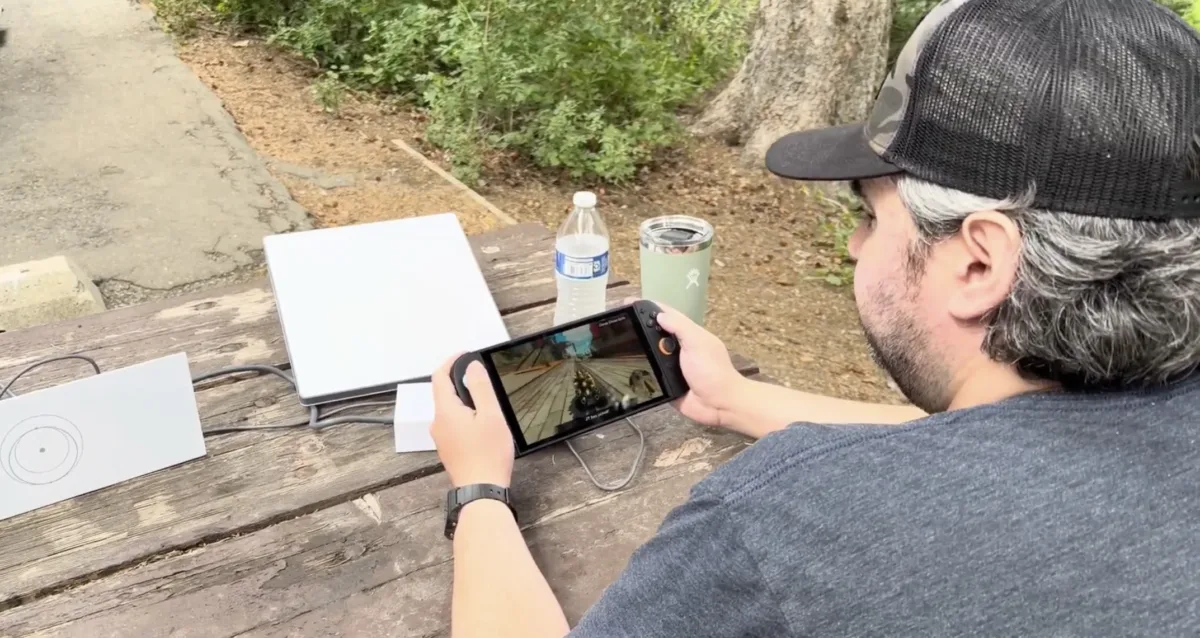
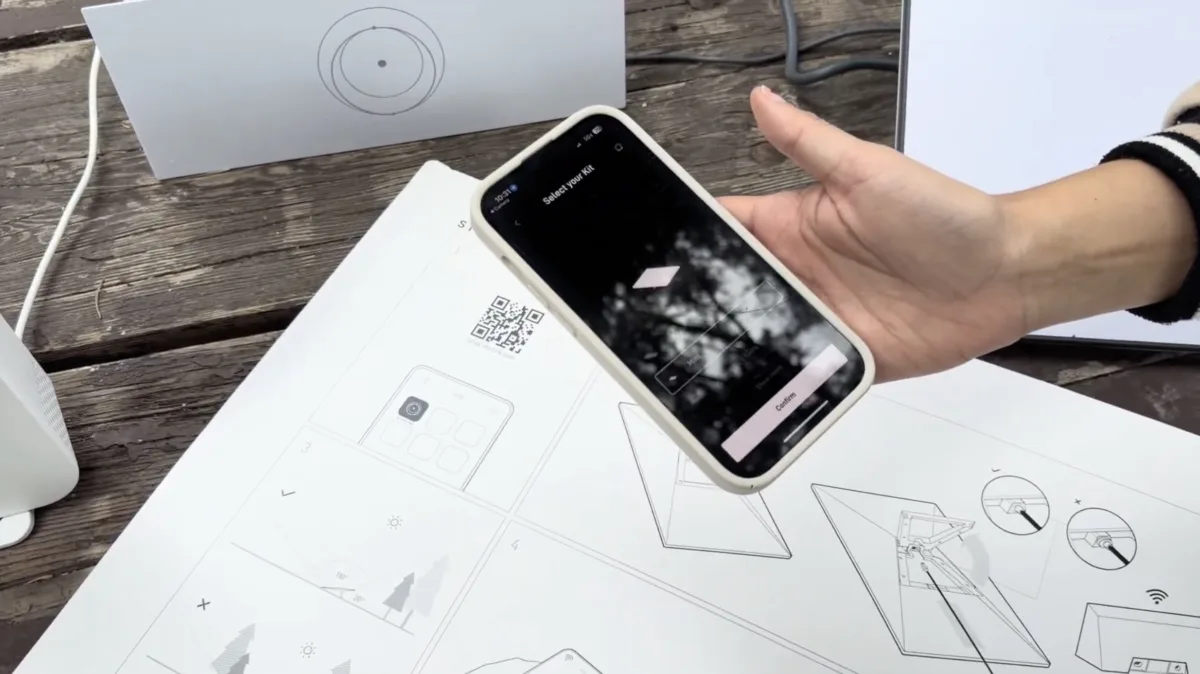
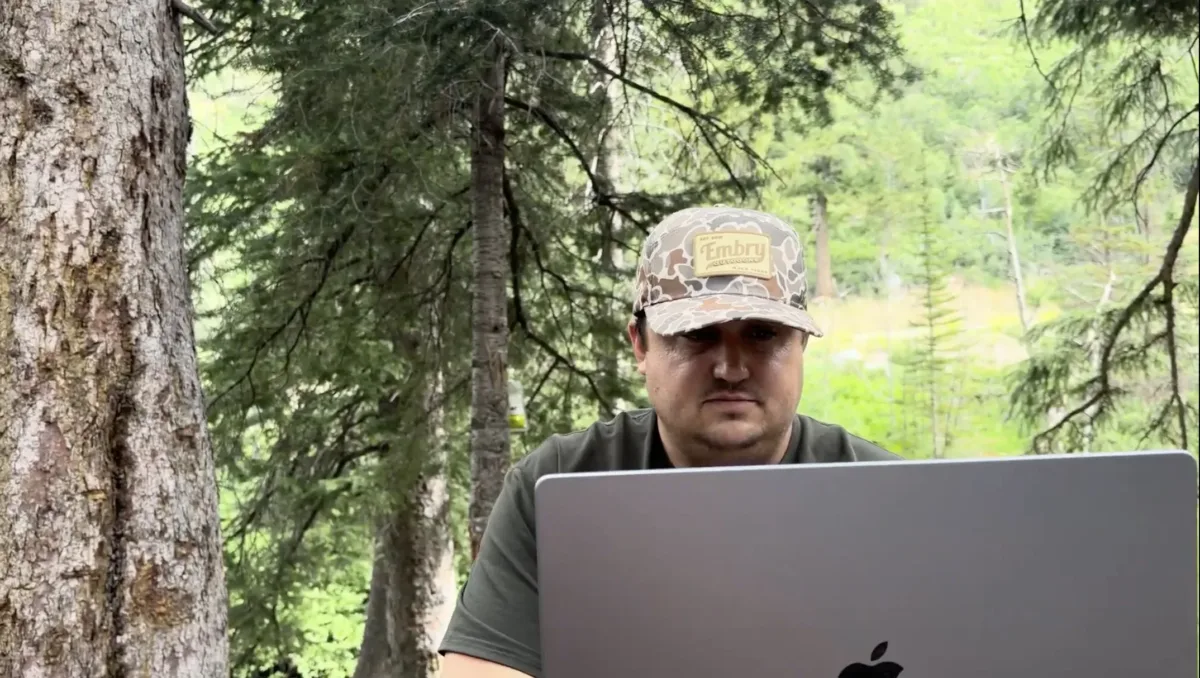
We put Starlink and T-Mobile through a variety of tests to track their off-road internet performance.
Starlink Roam handled the same seven-device group with ease. We didn’t see internet slowdowns, and the connection stayed workable with everything online. Our reviewers put some of that down to Starlink’s dedicated Wi-Fi router, which is built to distribute a connection across devices —this work falls to a single gateway radio on T-Mobile’s equipment.
If you’re traveling solo with a laptop, none of this will ever come up. But if you’re rolling with a family or a group and everyone brings a phone plus a tablet, it’ll come up on night one.
Our verdict: Starlink Roam wins for multiple devices. It was the only one of the two that stayed online with a full group connected.
Video calls
Want to stay in touch with family members on the road? For our last test, we stacked all of our previous tests together. Both reviewers joined the same live Zoom call, one on Starlink Roam and one on T-Mobile AWAY, while the devices from the previous test stayed connected.
Starlink Roam held the call without noticeable lag or blur. From the other caller’s side, the video stayed clean the whole time, even with the other devices still connected.
T-Mobile AWAY wasn’t as steady. We caught one brief freeze on the T-Mobile caller’s video feed as the load went up. It didn’t derail anything; the conversation carried on, and both sides agreed the call was perfectly usable, but there was a slight visible stutter from audio to video.
Our verdict: Starlink Roam wins video calls. T-Mobile AWAY stayed usable throughout, but it was the only service that visibly hiccupped.
Starlink Roam vs. T-Mobile AWAY: Which should you buy?
Getting ready to head on a road trip? After our hands-on testing with T-Mobile and Starlink, our takeaway was simpler than we expected: both of these are good options, but they’re best suited for different types of trips.
We’d recommend Starlink Roam if you’re heading somewhere completely remote and off the grid. It doesn’t need a cell tower, which means the question stops being “will I have coverage out there?” and just becomes “can I see the sky?” Starlink also had better latency, handled seven devices without complaint, and was steadier on video. If you’re heading past the edge of cellular coverage, Starlink Roam still works.
T-Mobile AWAY’s value case is its simplicity and price. The Mini gateway was faster to set up, smaller to pack, and cheaper. Plus, its $35 connection charge against $349 in Starlink hardware is hard to beat. If you already have T-Mobile service and your trips stay inside T-Mobile’s coverage maps, it’s an easy way to bring the internet along without adding another project to your campsite.
| Best for | Our pick | Our reason |
|---|---|---|
| Truly off-grid travel with no cell signal | Starlink Roam | Needs a clear view of the sky, not a nearby tower |
| Simplest setup | T-Mobile AWAY | One small gateway, online in about five minutes |
| Gaming | Starlink Roam | Lower latency in our test |
| Streaming | Tie | Both streamed without buffering or quality loss |
| Multiple devices at once | Starlink Roam | Handled seven connections; T-Mobile AWAY dropped out |
| Video calls | Starlink Roam | Stayed clear throughout; T-Mobile AWAY froze once |
