
Sharing Your Netflix Account Just Got Easier (But Not Any Cheaper)

No more late-night calls for login codes
Netflix doesn’t like it when you try to use your account outside of the main “household.” At least, not for free. It’s a very confusing system, but depending on your family’s plan you might be able to add permission for one or two people to live outside the main household. (For a full explanation on how this works, check out my Netflix Household Guide.)
But until now, no matter where you lived, you were still tied to the account holder’s email address. Any new login attempts or requests for temporary vacation access would need permission from that email address. Which usually results in my mom receiving a sheepish middle-of-the-night call as I try to watch “Bridgerton.” (Thanks for being there, mom).
Hypothetically, Netflix’s new policy will remove this friction. Now, every profile within a Netflix account can have its own associated email address, so you don’t have to worry about waking up your loved ones asking for an access code.
Pretty cool, right? Let’s go over how you can take advantage of this new policy and make your life a whole lot easier.
How to add an additional email to your Netflix account
1. Log into Netflix on a web browser (like Chrome or Safari) and go to “Manage Profiles.” This can usually be accessed by clicking on your profile icon.
2. Click on the profile you want to update. For me, it has my name, “Olivia.”
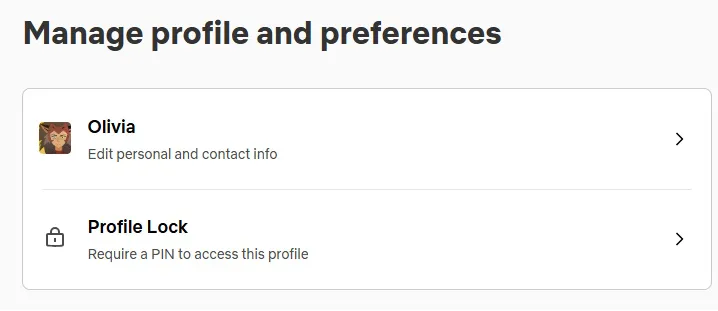
3. You should be on a screen that says “Manage profile and preferences.” Click on your name again, this time it should have the subheader “Edit personal and contact info.”
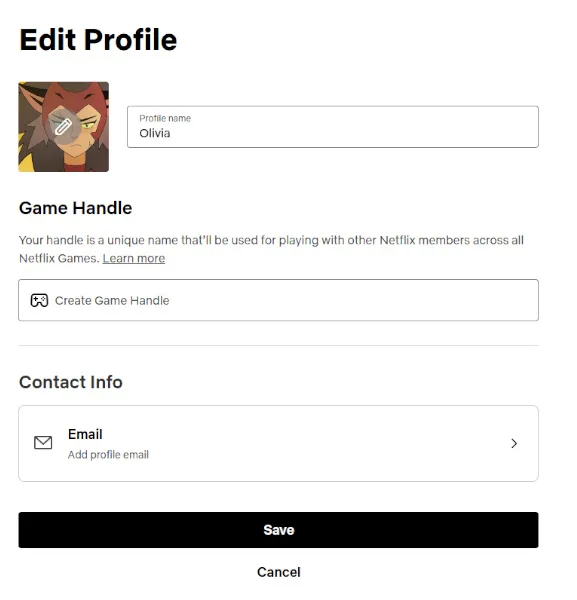
4. This allows you to edit your profile—click on the button that says “Email: Add profile email.”
5. Type in your desired email address for that profile. Then click “Add Email.”
6. On the next screen, click “Save.”
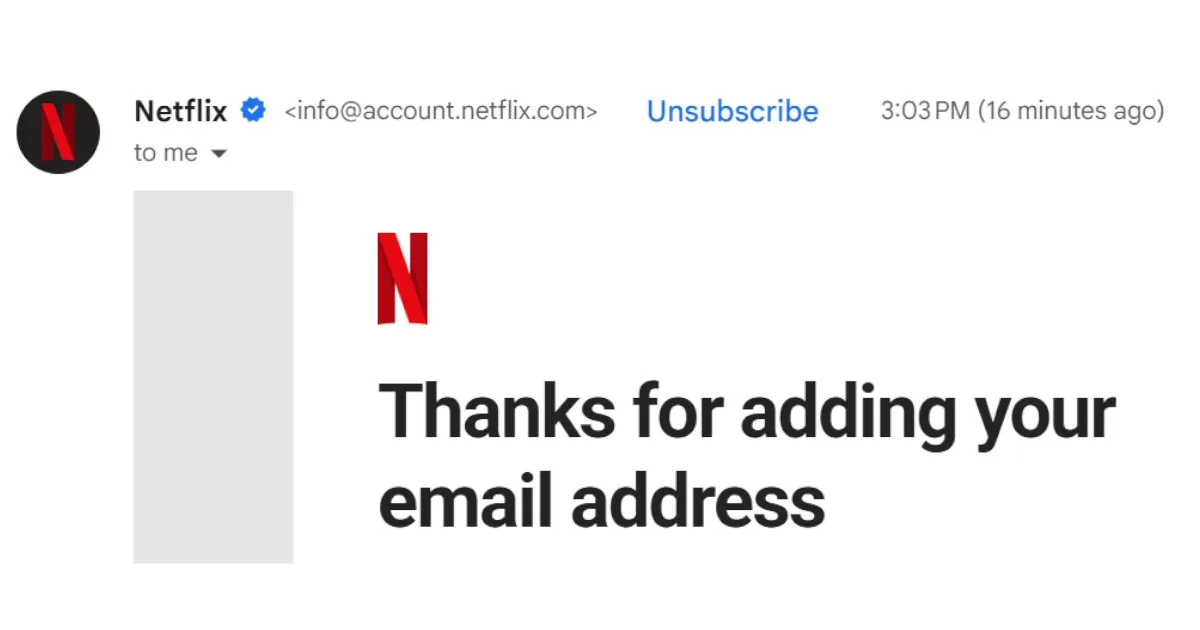
7. That’s it! You should receive an email at your new address with a confirmation from Netflix. The subject line will say “Thanks for adding your email address.”
Who we are
At CableTV.com, we’re not just entertainment experts—we’re also fans just like you. So while our first priority is reporting the best and most accurate information about TV providers and streaming services, we also love talking about our favorite shows and movies. So you can count on us to share our honest opinions and unbridled enthusiasm. For more on our process, check out our Editorial Policy.
